Motorsport telemetry analysis for Mac, iPad, iPhone, and Apple Vision Pro
onTrackTools helps drivers, coaches, and track-day teams turn lap data into decisions. Import RaceBox/VBOX-style .vbo files or MoTeC .ld logs, compare laps with synchronized charts, maps, and video, and manage the tracks, vehicles, setups, and calculated channels that make every session easier to understand.
The current App Store release supports macOS, iOS, iPadOS, and visionOS, with iCloud sync available for sessions, tracks, Garage data, settings, Math Channels, and Photos-based video references.

What onTrackTools does
Import and organize sessions
- VBO and MoTeC LD import: load RaceBox/VBOX-style
.vbofiles and MoTeC.ldlogs, including dynamic logged channels. - Automatic track detection: match imported sessions to existing tracks or the built-in track library when the driven path is recognized.
- Built-in and custom tracks: start from predefined circuits or create your own tracks, configurations, start/finish lines, and open-course finish lines.
- Garage and setup history: link sessions to vehicles, configurations, and setups so session context stays attached to the data.
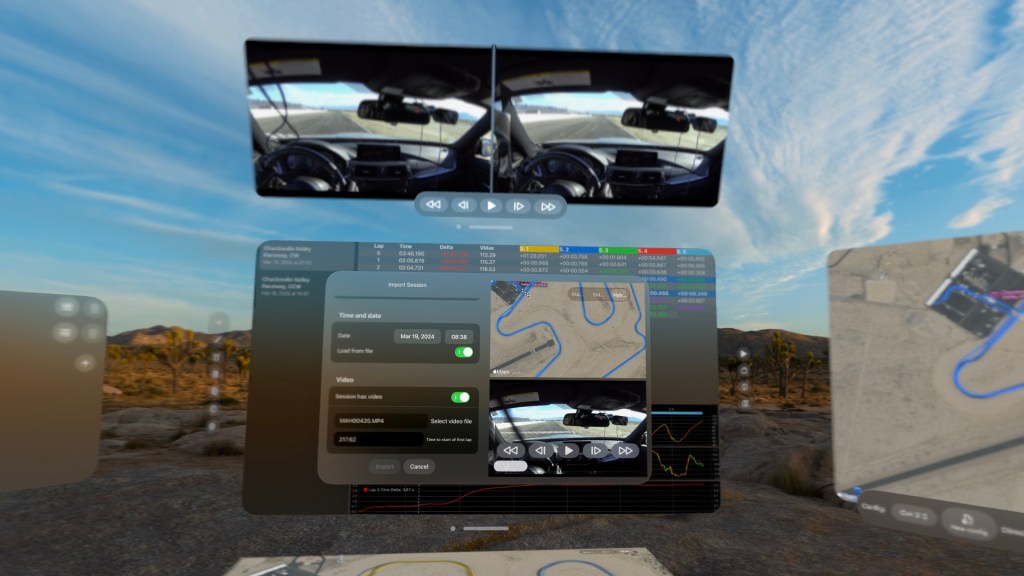
- Video from Photos or Files: attach synchronized video during import or later from the Session Editor.
Analyze and compare laps
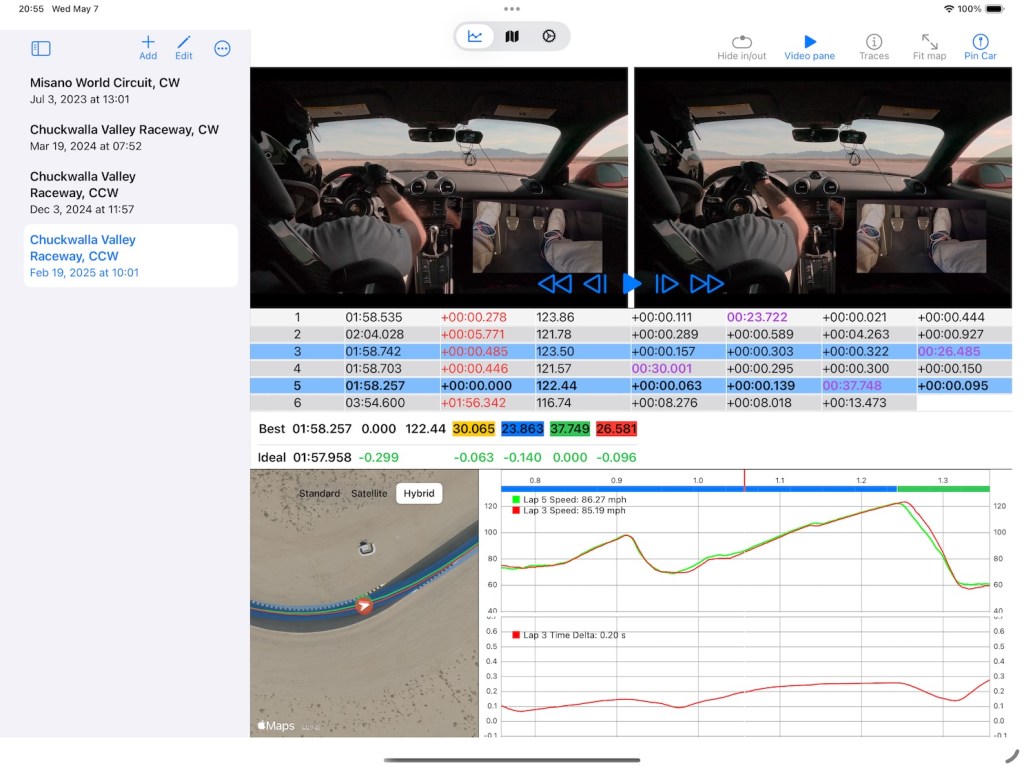
- Lap and sector timing: compare lap times, sector times, best sectors, ideal lap potential, VMax, and deltas.
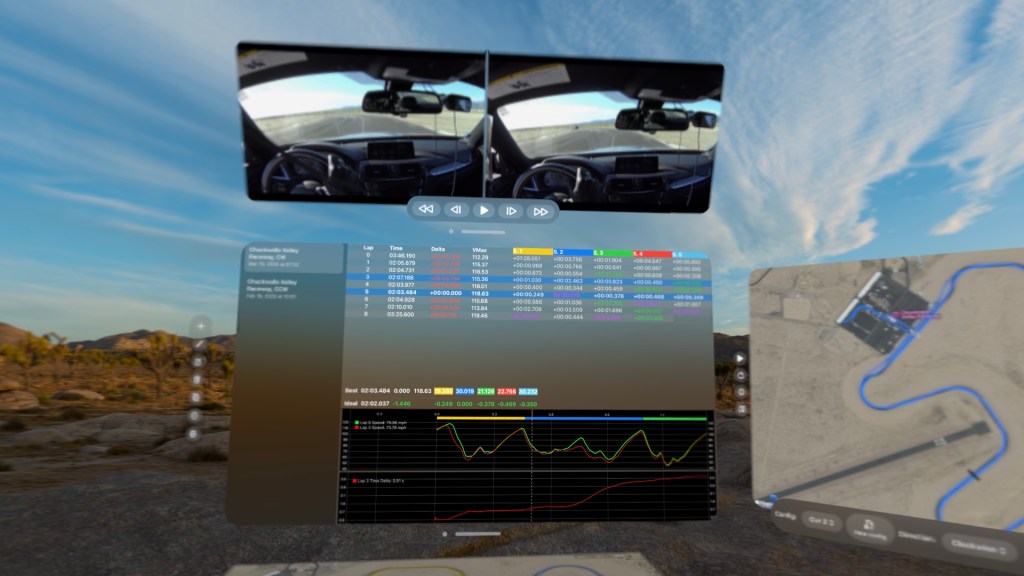
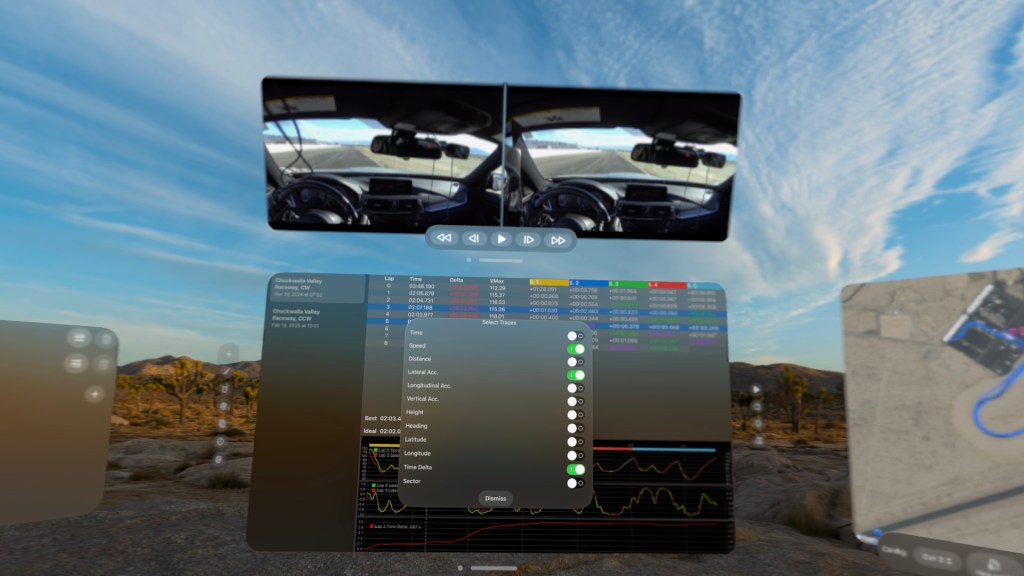
- Charts, maps, and video in sync: scrub a lap and keep telemetry traces, map position, and video playback aligned.
- Logged channels and Math Channels: chart built-in traces, imported logger channels, and calculated channels defined with reusable expressions.
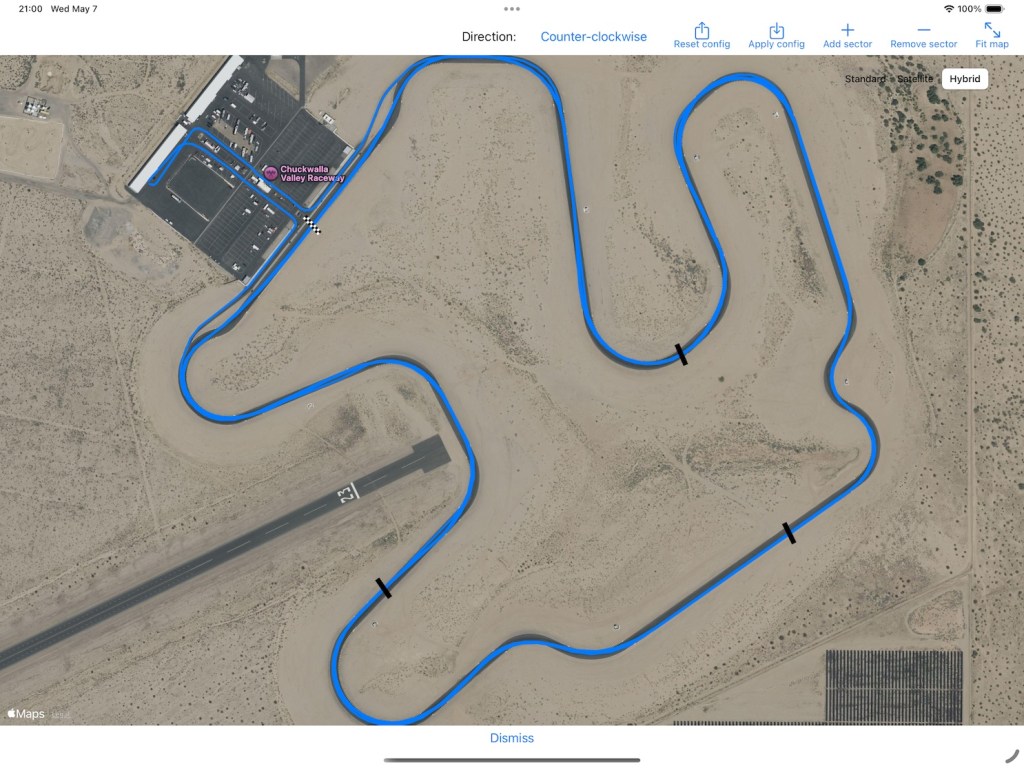
- Automatic sector generation: create sectors from corners, braking zones, speed peaks, or equal-distance splits.
- Session-state restoration: return to selected laps, traces, zoom level, playhead, map state, and sector focus while you work.
Current highlights
- MoTeC LD workflow: import
.ldsessions and use their logged channels directly in the trace selector. When GPS is not present, onTrackTools can align compatible position data to a known track where possible. - Math Channels: build calculated telemetry traces with expressions, units, aliases, and per-session input overrides, then chart them like native data.
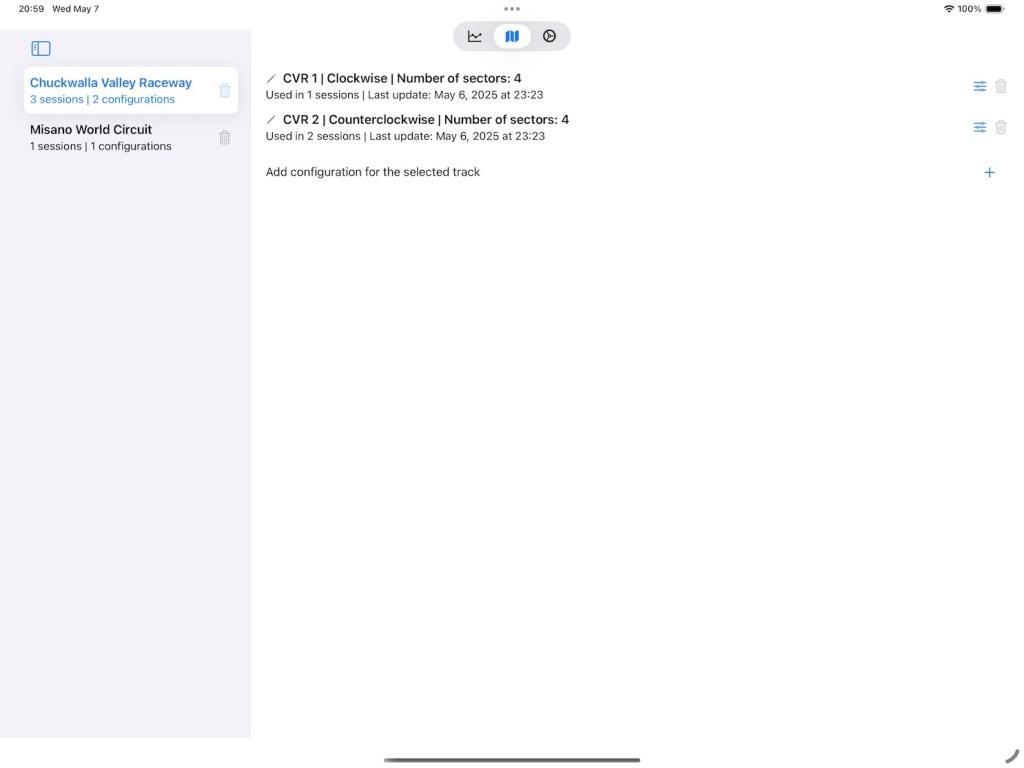
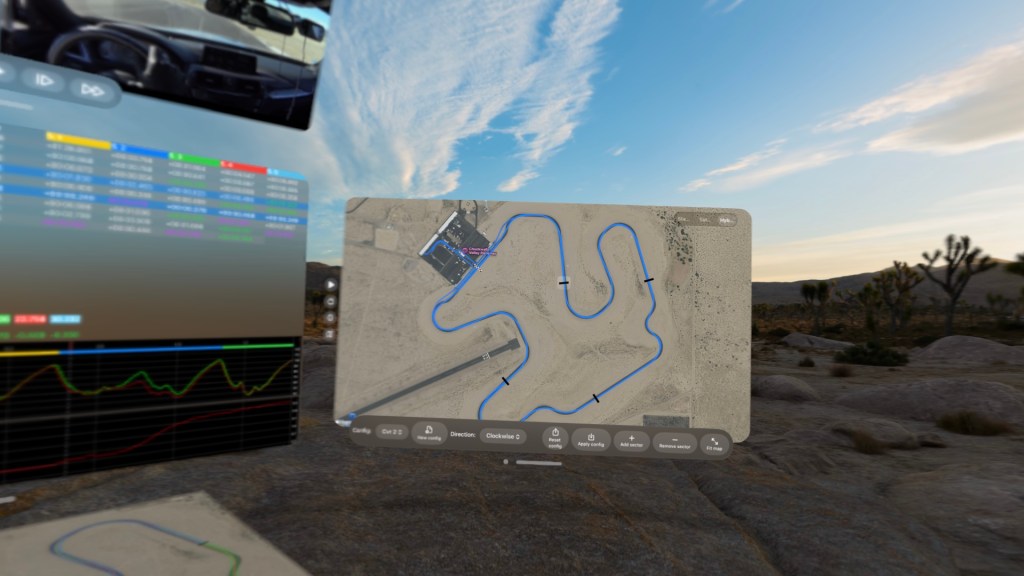
- Track tools: manage built-in and custom tracks, edit configurations, generate sectors automatically, and save reusable layouts for future imports.
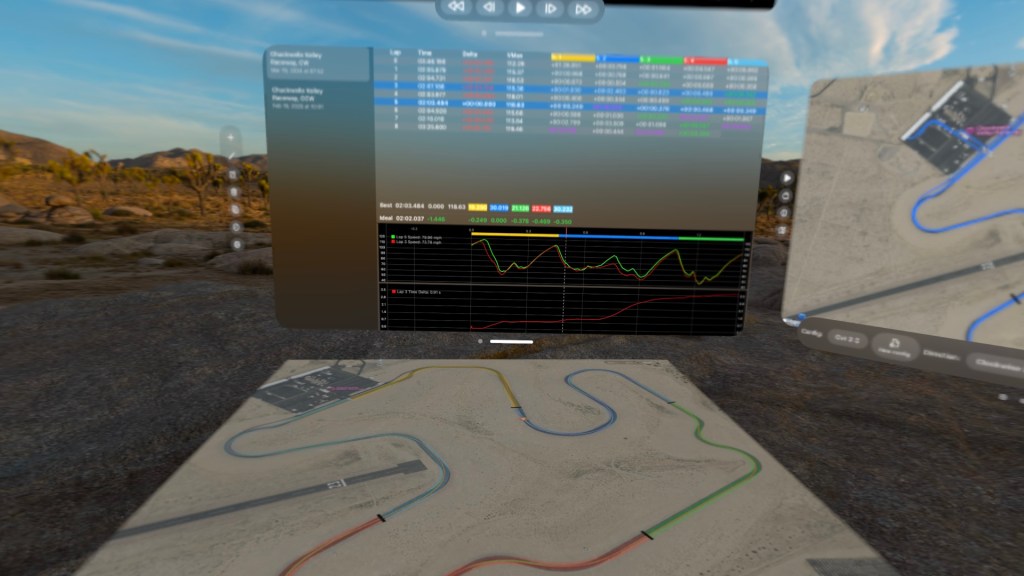
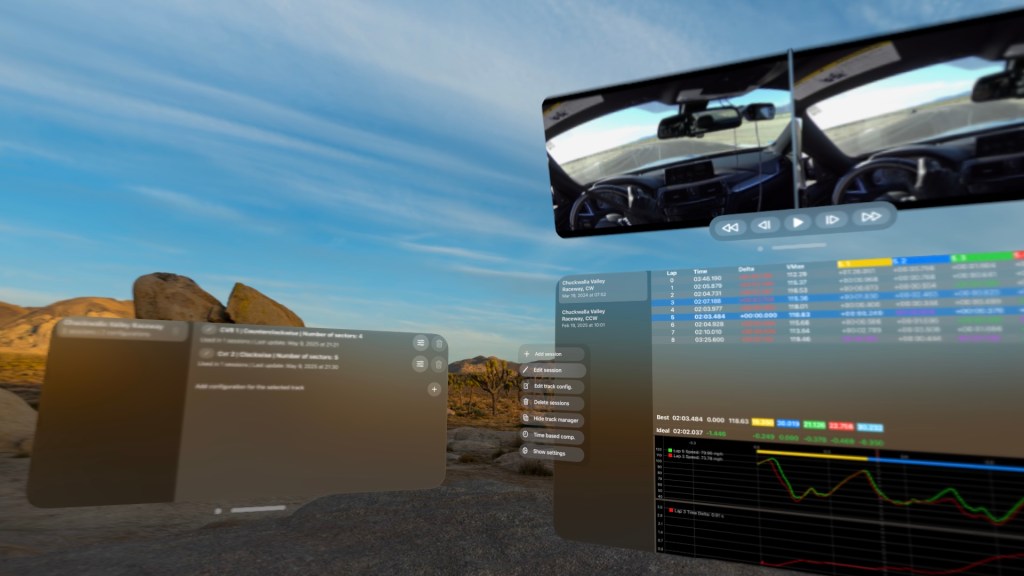
- Multi-platform analysis: use dense session workflows on Mac and iPad, step-by-step analysis on iPhone, and spatial windows and ornaments on Apple Vision Pro.
- iCloud-aware storage: keep compatible app data in sync across devices, with compressed telemetry storage for large sessions.
Platforms
- macOS: full session sidebar, analysis workspace, Track Manager, Garage, Math Channels, editors, and video tools.
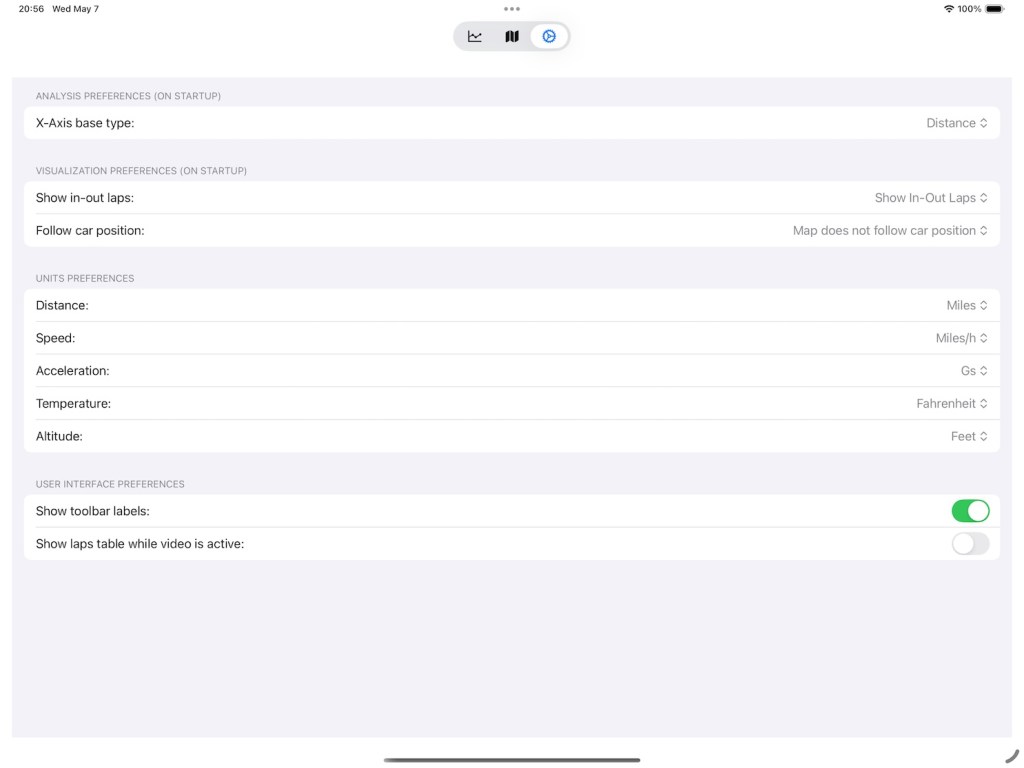
- iPadOS: analysis, Garage, Tracks, Math Channels, and Settings sections optimized for regular-width layouts.
- iOS: guided lap selection and comparison workflows for reviewing sessions away from the desktop.
- visionOS: analysis controls, video, Garage, tracks, Math Channels, and volumetric track map windows arranged in a spatial workspace.
Need help getting started? The online help covers import, lap comparison, track editing, Math Channels, video, Garage, settings, subscriptions, and troubleshooting.
iPad screenshots



Apple Vision Pro screenshots
 LVSoftware.io